



Introduction
In today’s digital age, safeguarding your personal information on social media platforms is crucial. With the rise of data breaches and privacy concerns, it’s essential to understand how to manage your privacy settings effectively.
Why Privacy Settings Matter
Privacy settings allow you to control who can see your information and how it is used. Inadequate settings can lead to unauthorized access to your personal data.
Real-World Examples
Consider the case of a social media user who had their account hacked due to weak privacy settings. This incident allowed the hacker access to private messages and sensitive information, demonstrating the importance of understanding and using privacy controls.
Common Mistakes Users Make
- Using default privacy settings
- Over-sharing personal information
- Not reviewing settings regularly
Actionable Steps to Enhance Your Privacy
-
Review Privacy Settings
Regularly check and update your privacy settings to align with your current preferences and the latest best practices.
-
Limit Profile Visibility
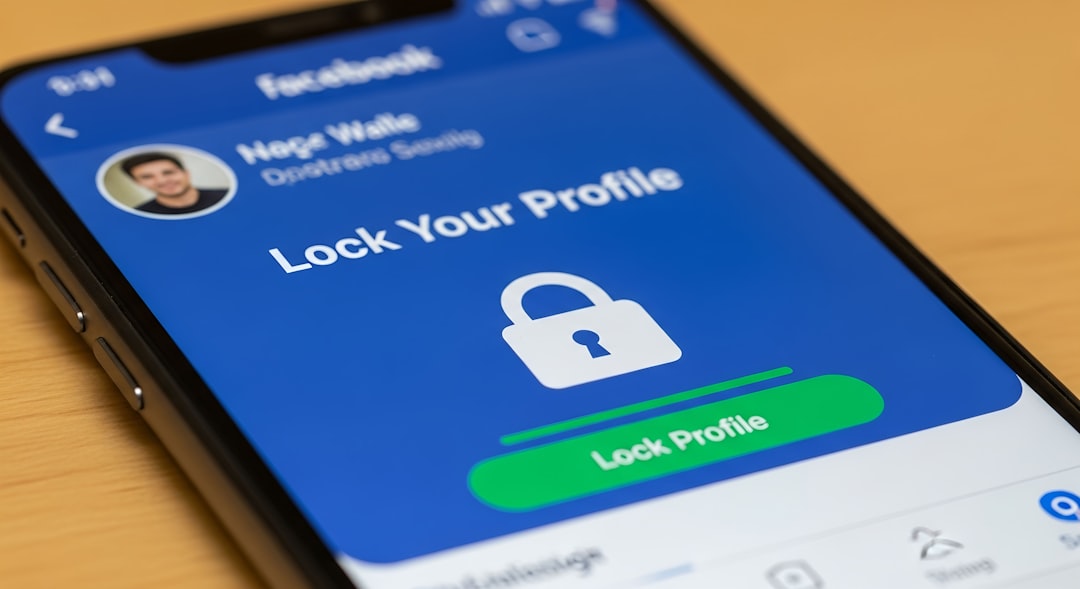
Adjust your profile visibility to ensure only trusted friends can access your information.
-
Manage App Permissions
Review the apps connected to your account and remove any that you no longer use or trust.
-
Enable Two-Factor Authentication
Activate two-factor authentication on your accounts for an additional layer of security.
Best Practices for Social Media Privacy
- Educate yourself on platform-specific privacy features.
- Be cautious of friend requests from unknown individuals.
- Periodically search for your profile and information to understand your online presence.
Conclusion
By proactively managing your privacy settings and staying informed, you can significantly reduce the risk of exposing your personal information on social media.
