



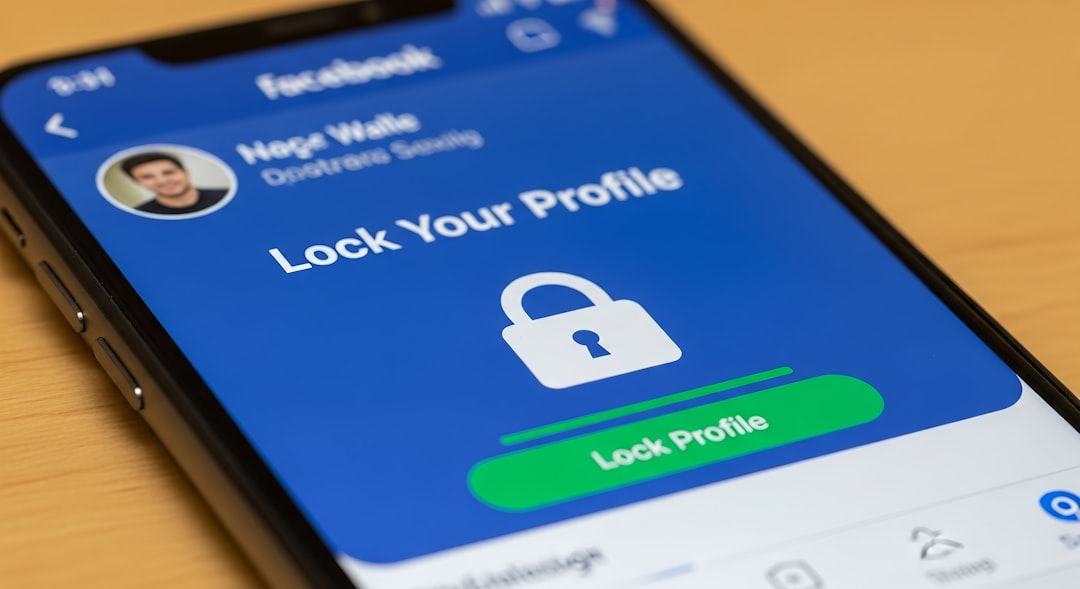
Understanding The Importance of Privacy Settings
Your privacy settings are crucial in controlling who sees your information on social media platforms. Adjusting these settings helps you safeguard your personal data and enhance your overall online security.
Essential Privacy Settings to Adjust
-
Profile Visibility
Ensure your profile visibility is set to the strictest option available. Most platforms allow you to restrict your profile to friends only or even to specific groups.
-
Review Friend Requests
Be cautious of friend requests from unknown individuals. Only accept connections from people you know or have verified.
-
Manage Tagging Settings
Control who can tag you in photos or posts. Adjust settings so that you must approve any tags before they appear on your profile.
-
Location Sharing
Disable location sharing settings. This prevents platforms from tagging your physical location in posts and adds an extra layer of security.
-
Third-Party App Permissions
Regularly review the permissions granted to third-party applications linked to your social media accounts. Revoke access to any apps that you no longer use.
Real-World Examples
- Consider using private accounts on platforms like Instagram and Twitter to limit visibility.
- Many individuals have faced security breaches due to oversharing personal information. For instance, a public Twitter account can expose sensitive details to malicious users.
Checklist for Adjusting Your Settings
- Set profile visibility to ‘friends only.’
- Review friend requests weekly.
- Configure tagging settings to require approval.
- Turn off location sharing on all posts.
- Check third-party app access every month.
Common Mistakes to Avoid
- Not updating privacy settings regularly.
- Accepting friend requests from unknown users.
- Not monitoring third-party application access.
By actively managing your privacy settings, you can significantly enhance your social media security and create a safer online environment.
