



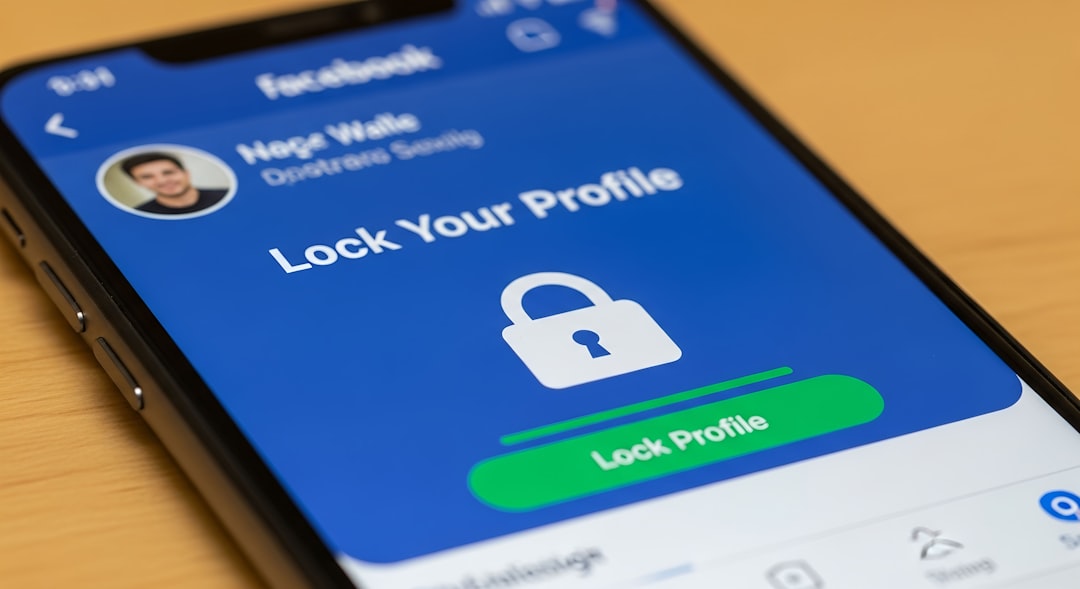
Understanding Privacy Settings
Privacy settings on social media platforms are crucial for safeguarding your personal information. They allow you to control who can see your posts, contact you, and access your data.
Why Privacy Matters
Each social media platform has unique privacy settings, which can significantly affect your security. Understanding these settings is the first step in protecting your information.
Steps to Secure Your Privacy Settings
1. Review Your Current Settings
Regularly check your privacy settings across all platforms. Here’s how:
- Log into your account.
- Navigate to settings.
- Locate the privacy or security section.
2. Customize Your Audience
Ensure you customize who can see your posts. Opt for:
- Friends only
- Specific people
- Public (only if necessary)
3. Use Two-Factor Authentication
Enable two-factor authentication for an added layer of security. This typically requires:
- Your password
- A verification code sent to your mobile device
4. Limit Data Sharing
Be cautious about connecting third-party applications to your social media accounts. Review and remove applications that you no longer use.
5. Educate Yourself on Privacy Policies
Read the privacy policies of the platforms you use. Understanding how your data is used can help you make informed choices.
Common Mistakes to Avoid
1. Ignoring Friend Requests
Be selective with friend requests. Accept only those you know.
2. Oversharing Personal Information
Avoid sharing sensitive information like your address, phone number, or location.
3. Failing to Log Out
Always log out of your accounts when using shared devices to prevent unauthorized access.
Best Practices
- Regularly update passwords.
- Use strong and unique passwords for each account.
- Keep your software up to date.
Conclusion
By following these steps and being proactive about your privacy settings, you can significantly reduce the risk of exposing your personal information on social media.
