



Introduction
In today’s technology-driven world, hardware issues can significantly disrupt your work. Addressing these problems promptly can save time and enhance productivity. In this article, we explore the top five common hardware problems and offer practical solutions to fix them quickly.
1. Overheating
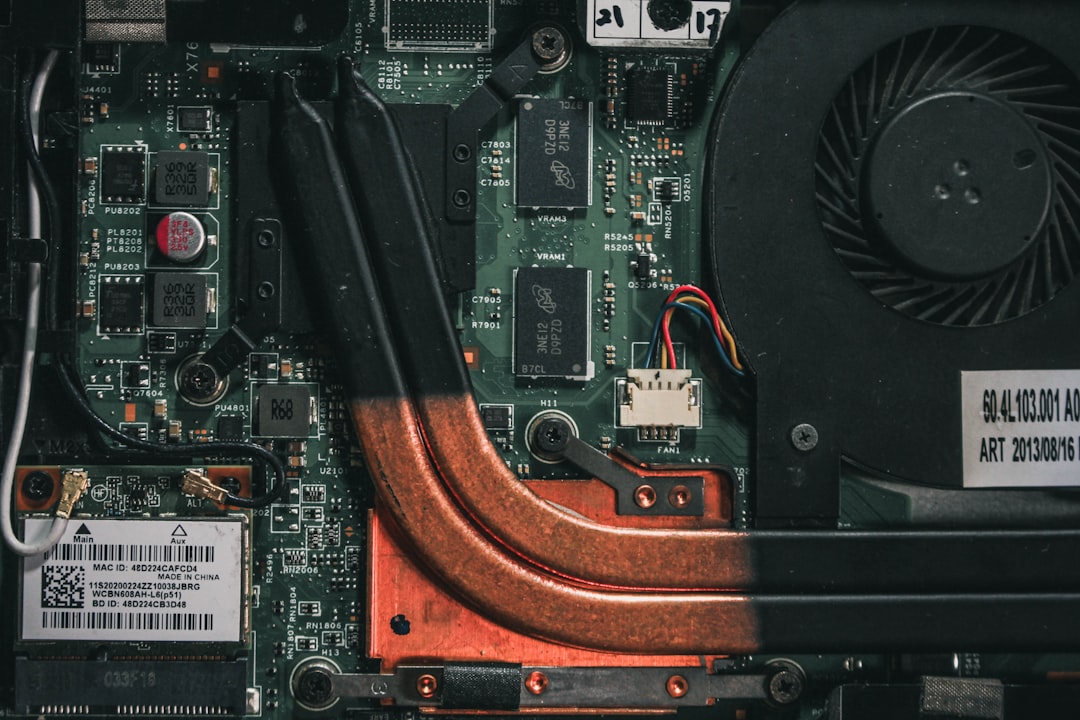
Overheating is a prevalent issue that can affect performance and cause hardware failure. Here’s how to prevent and fix it:
- Ensure proper ventilation: Make sure your device is in a well-ventilated area.
- Clean the internal components: Dust buildup can reduce airflow. Regularly clean fans and vents.
- Consider cooling pads: For laptops, using a cooling pad can help maintain an optimal temperature.
2. Power Supply Issues
Power supply problems can lead to unexpected shutdowns. To troubleshoot:
- Check power connections: Ensure all cables are securely connected.
- Test with another outlet: Sometimes the outlet may be the issue.
- Inspect the power supply unit: If the PSU is faulty, consider replacing it.
3. Hard Drive Errors
Hard drive errors can lead to data loss and system slowdowns. Here’s what to do:
- Run disk check utilities: Use built-in tools like CHKDSK on Windows to identify and repair errors.
- Back up your data: Regularly back up important files to avoid potential loss.
- Consider SSD upgrades: Switching to an SSD can improve performance.
4. RAM Issues
Inadequate or faulty RAM can hinder system performance. To resolve this:
- Run memory diagnostics: Built-in tools can help identify RAM problems.
- Check for loose modules: Ensure that RAM sticks are properly seated in their slots.
- Upgrade if necessary: Consider increasing your RAM if your workloads demand more memory.
5. Peripheral Problems
Peripheral devices often face connectivity issues. To troubleshoot:
- Check cables and connections: Ensure all peripherals are properly connected.
- Update drivers: Keeping drivers up-to-date can fix compatibility issues.
- Test with different devices: This helps determine if the problem is with the peripheral itself.
Conclusion
By addressing these common hardware problems promptly, you can ensure a smoother and more efficient workflow. Regular maintenance and quick fixes can go a long way in preventing minor issues from escalating.
