



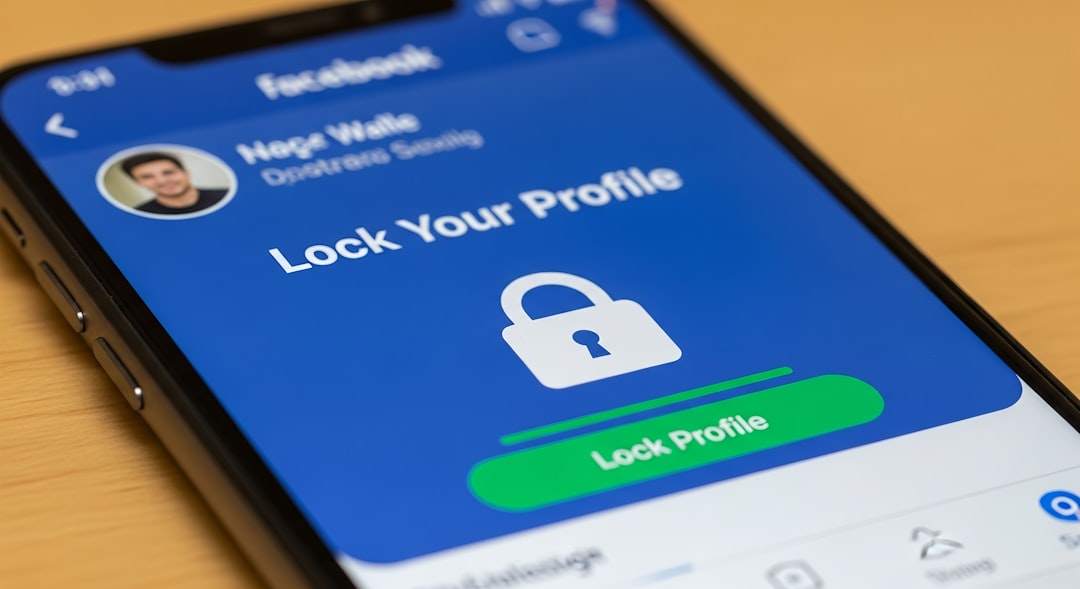
Understanding Social Media Privacy
In an age where social media is prevalent, understanding privacy settings is crucial. Are your social media accounts truly private or exposed to risks? Let’s explore the essential settings you need to be aware of.
Why Privacy Settings Matter
Privacy settings allow you to control who can see your posts, comment on your content, and interact with you. By adjusting these settings, you can significantly reduce your exposure to potential threats.
Key Privacy Settings to Configure
- Profile Visibility
- Check who can view your profile — options typically include public, friends, or custom.
- Post Sharing
- Set your default sharing setting to ‘friends only’ to limit visibility.
- Tagging Options
- Adjust settings to review tags before they appear on your profile.
- App Permissions
- Regularly review and restrict the apps connected to your account.
- Location Services
- Disable location tagging on posts to prevent sharing your whereabouts.
Best Practices for Securing Your Accounts
Regularly Update Your Settings
Review your privacy settings quarterly to ensure they align with your current preferences.
Use Strong Passwords
Make sure your passwords are complex and consider using a password manager.
Enable Two-Factor Authentication
Adding an extra layer of security can help protect your accounts from unauthorized access.
Common Mistakes to Avoid
- Using the same password across multiple platforms.
- Ignoring app permissions when signing up.
- Failing to log out from shared devices.
Conclusion
By proactively managing your social media privacy settings, you can safeguard your personal information effectively. Stay informed and make privacy a priority.
