



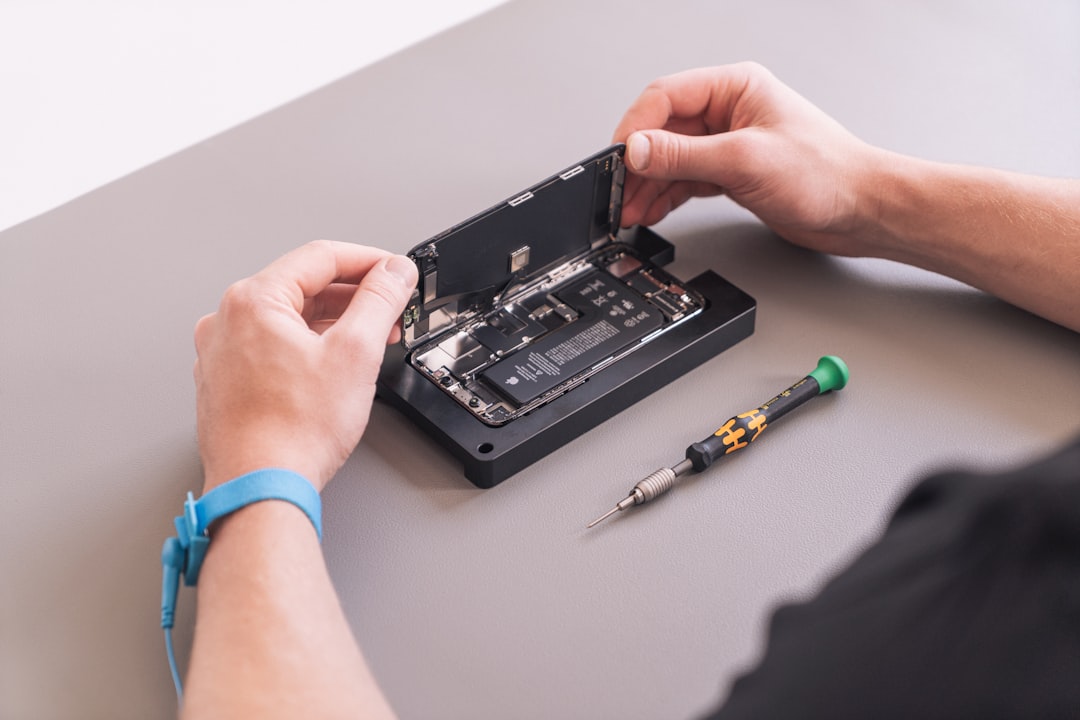
Introduction
Having a few essential hardware fixes in your toolkit can save you both time and money. In this article, we will explore some straightforward solutions for common hardware issues that anyone can do.
1. Cleaning Dust from Components
Dust accumulation can lead to overheating and performance problems.
- Unplug your device and open the case.
- Use compressed air to blow dust off fans, heatsinks, and other components.
- Ensure airflow is not obstructed.
Best Practice
Clean your devices every few months to maintain optimal performance.
2. Replacing RAM Modules
Upgrading or replacing RAM can improve performance significantly.
- Check compatibility with your motherboard.
- Unplug your device and ground yourself to prevent static.
- Remove the old modules and insert the new ones until they click into place.
Common Mistake
Not ensuring that RAM is compatible can lead to further issues.
3. Fixing Connectivity Issues
Connectivity problems can often stem from cable issues or misconfigured settings.
- Check all cables for damage.
- Reset your modem/router.
- Reconfigure network settings if necessary.
Real-World Example
A simple reboot of the router can fix connectivity problems instantly.
4. Updating Drivers
Outdated drivers can cause hardware malfunctions.
- Identify the hardware that requires an update.
- Visit the manufacturer’s website to download the latest drivers.
- Install and restart your device.
Best Practice
Regularly check for driver updates to keep your devices running smoothly.
Conclusion
With these essential hardware fixes, you can tackle common issues effectively. Knowing how to perform basic repairs can save you time, reduce downtime, and prevent costly replacements.
